
How to Write AI Blogposts Your Readers Will Actually Finish

Let’s be real…everyone is using AI to write content right now. And readers can tell.
There’s a certain flavor to AI-generated blogposts that people have started to recognize: overly polished, a little stiff, packed with transition phrases like “in today’s fast-paced world” and “it’s important to note.” The moment someone spots that flavor, they’re gone.
So if you’re using AI to help with your blog (and honestly, there’s nothing wrong with that), the goal isn’t to hide the fact that you used it. The goal is to make sure the post actually sounds like a human worth listening to. Here’s how to do that.

Start With a Hook that Feels Like a Conversation
AI loves a grand opening statement. You know the type – “blogging has become one of the most powerful tools in a business owner’s arsenal.” Snooze.
Your readers are busy. They’re scrolling while waiting for coffee to brew or squeezing in screen time between meetings. You’ve got about three seconds to make them feel like this post is worth their time.
Start mid-thought. Start with a question. Start with something a little uncomfortable. Think about what your ideal reader is muttering under their breath before they land on your post – and open with that.
Write Like You Talk (Yes, Really)
This one sounds simple, but it’s where most AI-assisted content falls flat. AI defaults to formal. Your readers want conversational.
After you run a draft through AI, read it out loud. If you stumble over a sentence, rewrite it. If it sounds like a press release instead of a blogpost, strip it back. Short sentences are your friend. So are contractions.
Your readers aren’t looking for perfect prose – they’re looking for someone who gets them. A little personality goes a long way toward keeping someone on the page.

Add the Details Only YOU Know
Here’s the thing about AI: it can generate broadly accurate, decently structured content. What it can’t do is share the story of the client who came to you in a panic, or the weird thing you noticed about your own analytics last month, or the unpopular opinion you’ve formed after years in your industry.
Those details are what make a blogpost stick. They’re also what make readers feel like they’re getting something they can’t find with a quick Google search.
After you generate a draft, go back through and ask yourself: where can I add a real example? Where can I share a hard-won opinion? Even one or two of those moments will transform a generic post into something worth bookmarking.
Break It Up, But Don’t Go Overboard
Long, unbroken paragraphs send readers running. But a post that’s nothing but bullet points and subheadings? That’s just as exhausting.
Use headers to help readers skim and orient themselves. Use short paragraphs to give their eyes a break. But make sure the actual writing – the sentences between the formatting – has some flow and warmth to it.
The goal is a post that’s easy to scan but also rewarding to actually read.
End With Somewhere To Go
A lot of AI-generated posts end with a vague “we hope this was helpful!” closer that leaves readers hanging. Don’t do that.
Your closing paragraph should do two things: reinforce the main takeaway in plain language, and give the reader a clear next step. That might be a question to consider, an action to take, or a resource to explore. Either way, don’t just trail off.
Readers who feel satisfied at the end of a post are the ones who come back – and the ones who share it.
If You Want to Use AI in a Way That Actually Sells…
There’s a big difference between playing with AI and using AI in a way that actually drives sales and builds connections.
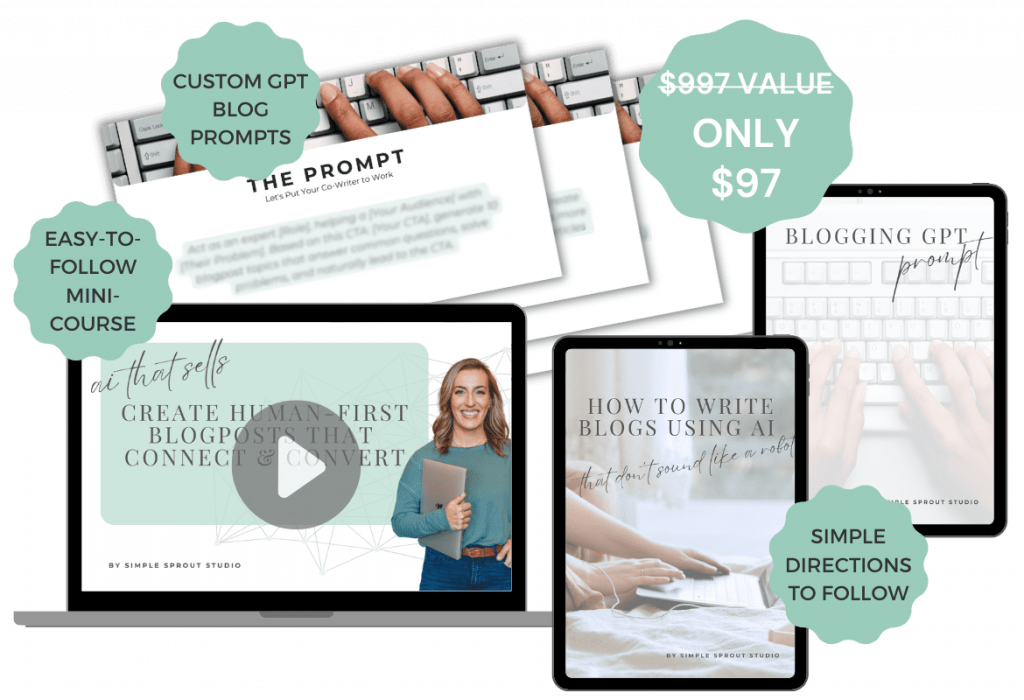
That’s why I created the mini-course AI That Sells: to help creators and business owners like you step beyond the “shortcut mindset” and start using AI strategically. This isn’t about lazy content. It’s about smart content that moves people.
If you want to work smarter, not just faster, this course walks you through how to make AI a real asset in your business – without losing your voice or your edge.
AI is a tool, not a ghostwriter. When you treat it that way – using it to speed up your process while still showing up in the writing – you get posts that actually serve your readers and your business.
ready for more?
We’ve got you covered…and we’ll keep it simple.
Every week, we’ll pop in your inbox with awesome SEO and blogging tips made easy.