How to Edit AI Blogposts So They Sound Like You (Not a Robot)

You hit “generate” on your favorite AI tool. You waited a few seconds. And then…there it was. A full blog draft, ready to go.
Except something felt off.
The words were technically fine. The grammar was clean. But it read like a brochure written by a committee. Stiff. Polished within an inch of its life. Completely devoid of you.
Sound familiar?
AI is an incredible writing partner. But raw AI drafts almost always sound robotic, and your readers can tell. The good news? You don’t need to throw out the draft and start over. You just need to know how to edit it.
Let’s walk through exactly how to turn flat AI content into blogposts that sound unmistakably human.
Why Does AI Writing Sound So Robotic?
Here’s the short answer: AI writes to be correct, not to be you.
It pulls from millions of articles and averages them into something safe. The result is grammatically perfect, predictable, and a little soulless. It hits all the points but skips the personality that makes people actually want to read.
A few patterns give it away every time:
▷ Filler phrases like “in today’s fast-paced world” or “when it comes to”
▷ Repetitive sentence rhythm, where every sentence runs the same length
▷ Overly formal word choices that no real person would say out loud
▷ Vague claims with zero real examples to back them up
▷ Predictable transitions like “furthermore” and “moreover”
None of this is hard to fix. You just have to know where to look. So let’s start there.
What to Edit First in an AI Blog Draft
Don’t try to fix everything at once. Start with the edits that make the biggest difference fastest.
1. The opening. AI loves to warm up with a generic intro before getting to the point. Cut it. Your first two sentences should hook the reader or answer their question. If your draft opens with “In the world of digital marketing,” delete that line and start with something real.
2. The filler. Skim for phrases that add words but no meaning. “It’s important to note that” and “at the end of the day” can usually go without losing a thing.
3. The robotic transitions. Swap “furthermore” and “in conclusion” for how you’d actually connect ideas in conversation. “Here’s the thing” or “but here’s where it gets interesting” works far better.
Knock out those three things, and your draft already sounds 50% more human. Now let’s go deeper.
How to Add Your Voice Back Into AI-Generated Content
This is where the real magic happens. Anyone can clean up filler. Adding your voice is what separates a forgettable post from one people remember.
Inject real personal examples
AI can’t know what happened in your business last Tuesday. You can.
Say your draft includes a generic line like: “Following up with leads quickly improves conversion rates.”
True, but flat. Now make it yours:
“A client of mine waited three days to respond to a lead and lost a $4,000 project to a competitor who replied in twenty minutes. Speed isn’t a nice-to-have. It’s the whole game.”
Same point. Wildly different impact. Your stories are the one thing AI can never replicate, so use them generously.
Restore your natural tone
Read the draft out loud. Seriously. The spots where you stumble or roll your eyes? Those are the robotic bits.
If a sentence sounds like a textbook, rewrite it the way you’d say it to a client over coffee. If you’re naturally funny, add a little humor. If you’re direct, cut the hedging. Your readers chose you for a reason. Let them hear you.
Adjust your sentence rhythm
This one’s subtle, but powerful.
AI tends to write sentences of nearly identical length, which creates a flat, droning rhythm. Break it up. Drop in a short, punchy sentence after a longer one. Like this.
Vary your pacing and your writing instantly feels more natural, because that’s how humans actually talk. Long thought, short hit. It keeps people moving down the page.
Swap the corporate words for human ones
AI reaches for fancy words when simple ones work better. Hunt them down and swap them out.
▷ “Utilize” → “use”
▷ “Leverage” → “use” (yes, again)
▷ “In order to” → “to”
▷ “Facilitate” → “help”
▷ “A myriad of” → “lots of”
Plain language isn’t lazy. It’s clearer, friendlier, and easier to read. Your audience will thank you.

How to Humanize AI Transitions & Flow
Choppy flow is a dead giveaway that a robot wrote something. AI stitches sections together with the same handful of connector words, and it shows.
Instead of leaning on “additionally” or “consequently,” connect ideas the way you’d guide a friend through a story:
▷ “So what does that actually mean for you?”
▷ “Here’s where most people get stuck.”
▷ “Now, let’s talk about the fun part.”
These little conversational bridges do double duty. They make your writing feel human, and they keep readers curious about what’s next.
One more tip: read your post section by section and ask, “Would I actually say this to someone?” If the answer is no, rewrite it until the answer is yes.
A Quick Editing Checklist for Every AI Draft
Before you hit publish, run through this:
◻ Does the opening hook the reader instead of warming up?
◻ Did you cut filler phrases and empty words?
◻ Are there at least one or two real, specific examples?
◻ Do the sentences vary in length and rhythm?
◻ Did you swap corporate words for plain ones?
◻ Do the transitions sound conversational?
◻ Does it sound like you read it out loud?
If you can check every box, you’ve got a post that sounds human, helpful, and worth reading.
The Goal Isn’t Less AI. It’s More You.
Let’s be clear: using AI to write isn’t cheating, and it isn’t lazy. It’s smart. It saves you hours and gets words on the page fast.
But the draft is the starting line, not the finish. The editing is where your voice comes back in. That’s the part that builds trust, keeps readers engaged, and turns a casual visitor into a loyal client.
Use AI as your co-writer, not your replacement. Then edit like the human you are.
Frequently Asked Questions
How long should I spend editing an AI blogpost?
Plan for about 30 to 45 minutes on a standard post. Most of that time goes toward adding personal examples and adjusting tone, not fixing grammar. The more you do it, the faster you get.
Can readers really tell when content is AI-generated?
Often, yes. People may not pinpoint exactly why, but generic, overly polished writing creates a subtle disconnect. They sense it feels impersonal, and that quietly chips away at trust.
What’s the fastest way to make AI writing sound human?
Add one real story or example. A specific, true detail from your own experience instantly signals that a real person wrote this, and it’s something AI simply can’t fake.
Will editing AI content help it perform better in search?
Yes. Search engines and AI tools both reward content that’s original, helpful, and genuinely useful. Adding your unique voice and real expertise makes your posts more valuable and harder to replace.
Ready to say goodbye to boring, robotic blogposts?
You don’t have to figure this out one painful edit at a time. There’s a faster way.
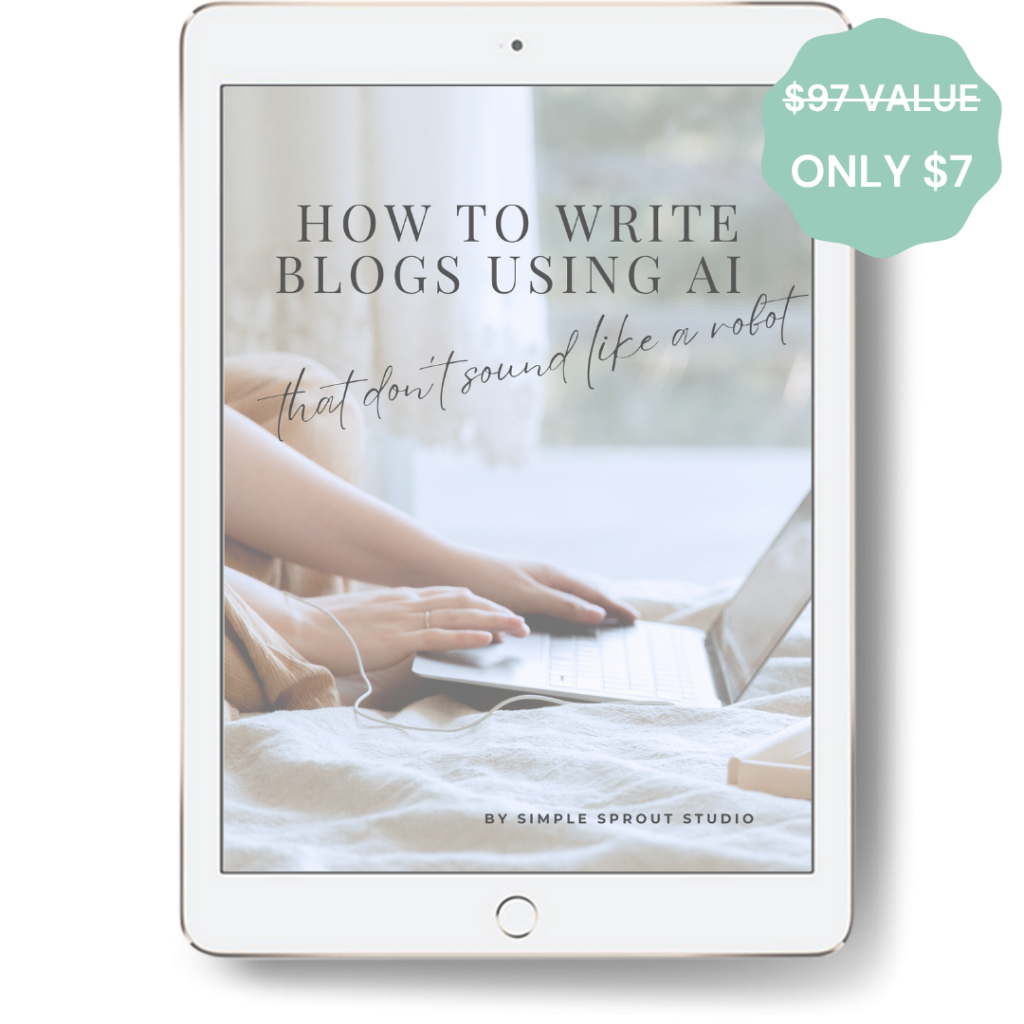
How to Write Blogs Using AI That Don’t Sound Like a Robot hands you the exact system for turning bland AI drafts into posts that feel 100% you. For just $7, you’ll get:
▷ The 4-Phase System: A simple, step-by-step process from brainstorming to final edit, so you never stare at a robotic draft wondering where to start.
▷ Plug-and-Play AI Prompts: The exact prompts that generate stronger first drafts and save you hours of rewriting.
▷ The Human-Touch Checklist: Spot and replace obvious AI phrases, add your brand voice, and make sure every post sounds authentic.
Write smarter. Sound human. Grow your blog, one genuinely helpful post at a time.
ready for more?
We’ve got you covered…and we’ll keep it simple.
Every week, we’ll pop in your inbox with awesome SEO and blogging tips made easy.